
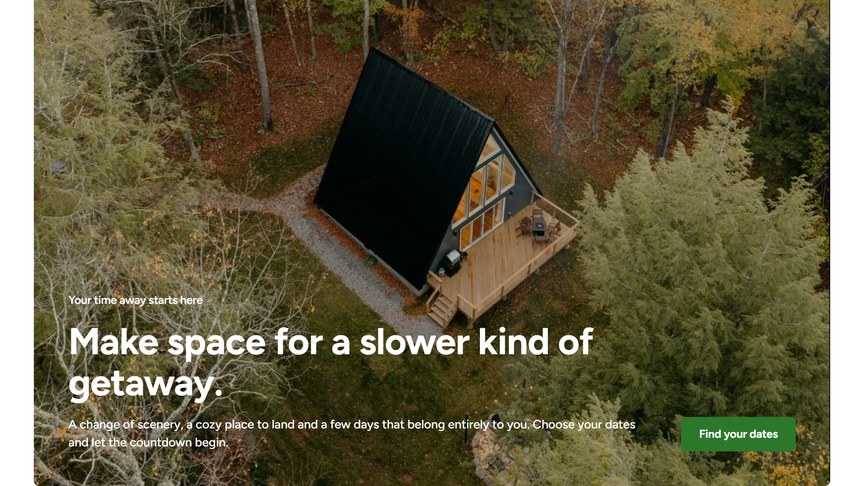
A call to action over a large image or video, with a title, a text and up to two buttons. Use it to invite visitors to book, at the bottom of a page.
Content
Media Type: Image (recommended 2688 × 1520 px) or Video.
For a video, choose the Type:
- File: an MP4 or WebM uploaded to the Media Library. Keep it short and small (under about 10 MB) so the page loads quickly.
- YouTube / Vimeo: paste the link of the video in Video URL.
The video plays muted and on a loop, without player controls, like a moving photo.
Buttons
Up to two buttons. For each one, choose a page or paste a URL in Link (the link text becomes the button label, and you can tick “Open link in a new tab”) and pick a Style: Primary or Secondary. Buttons without a link are not shown.
Headings & Options
- Subtitle, Title and Text: the message shown over the media.
- Background Style: Transparent or Highlight, the background around the media box.
Videos further down the page only start loading when visitors scroll near them, so they don’t slow down the page.
