
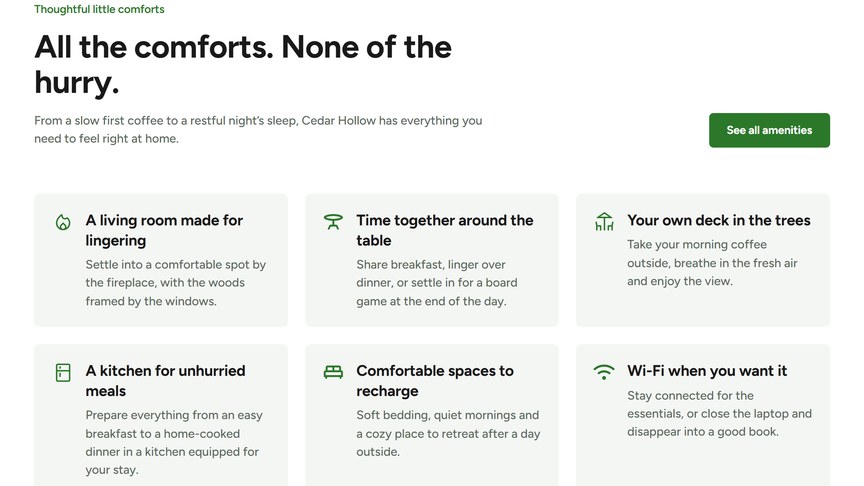
Icons with short titles and texts, e.g. what is included in a stay, or the highlights of your property.
Content
Add as many Cards as you need. For each card:
- Icon Source: Upload your own icon, or use a Google Icon by typing its name (from Google Fonts Icons). Uploaded SVG icons take the theme colors; PNG and JPG icons keep their original colors.
- Title: a short title, e.g. “Private hot tub”.
- Description: one or two sentences.
Button
An optional button under the cards. Choose a page or paste a URL in Link: the link text becomes the button label. Style sets the look: Primary (filled, in your accent color) or Secondary (outlined). With the heading Alignment set to Left, the button is shown next to the title on desktop.
Headings & Options
The Headings & Options tab adds an optional heading above the module and sets its background. These options are the same on most modules, see Headings & Options.
This module also has a Layout Style: Centered puts each icon above its text; Left Aligned puts the icon next to the text.
