
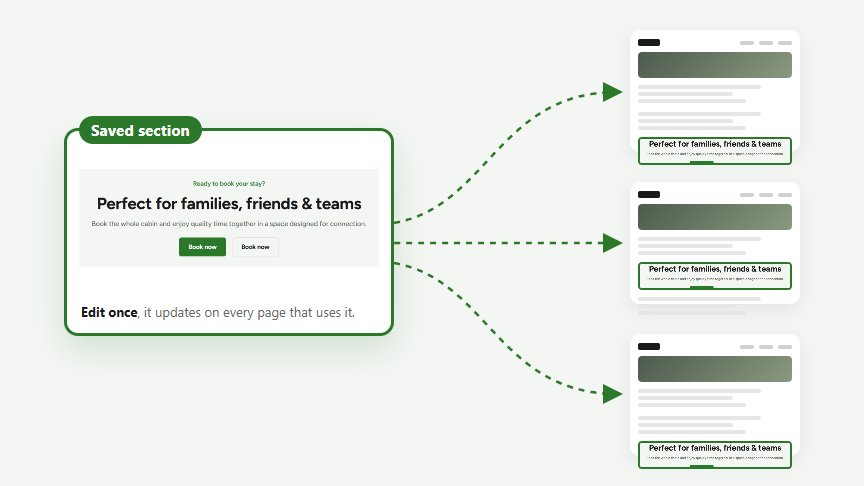
Places a saved section on the page. A reusable section is a group of modules you build once under WP Admin → Reusable Sections and show on several pages, e.g. a call to action or a testimonials row. When you edit the section, every page that uses it is updated.
Creating a section
- Go to WP Admin → Reusable Sections → Add New.
- Give it a name you’ll recognise, e.g. “Booking CTA”.
- Click on Add Module and build the section like a page, with one or more modules.
- Click on Publish.
Options
Section: the saved section to show. Only published sections are shown on the website.
The Reusable Sections list has a column that shows on which pages each section is used, so you know what a change will affect.
